
Follow these three steps... OR just watch the video!

It's a small JAR file. Save it wherever you like, then open it.
If you already have it, skip to step 2.
 Click the + on the left side to add our modpack.
It should be right above the "Tekkit" pack.
Simply copy and paste this link:
http://www.technicpack.net/api/modpack/epsilon
If the game gets stuck while joining, click the settings icon and Increase PermGen size.
That's it!
If for some reason you ever need to re-add it... IP is below.

Special Launcher
1
Click the green button to download the Technic Platform.It's a small JAR file. Save it wherever you like, then open it.
If you already have it, skip to step 2.
2
Click the + on the left side to add our modpack.It should be right above the "Tekkit" pack.
Simply copy and paste this link:
http://www.technicpack.net/api/modpack/epsilon
3
Go to Multiplayer and double-click our server.If the game gets stuck while joining, click the settings icon and Increase PermGen size.
That's it!
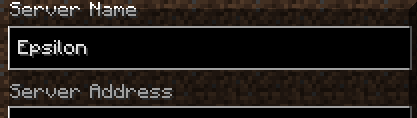
If for some reason you ever need to re-add it... IP is below.
If you need to re-add it, here's the server's address ("IP"):
theEPSILON.serveGame.com
Special Launcher

